
X89 Game APK Download – Android Installation Guide
If you are looking for an X89 Game APK Download, it is worth checking the APK details before installing anything on your Android phone. X89 APK listings available online do not always show the same version, file size, or download information. For example, some websites currently mention version 1.3.6V, while another listing shows 1.6.1.
That difference is a good reason to avoid relying only on a version number. Instead, check the download source, file details, and installation requirements before opening the APK on your device. This guide explains the simple process in a practical way, so you can understand what to check and how to install the X89 Game APK on Android.

What Is X89 Game APK?
- X89 Game APK is an Android file used to install the X89 gaming app.
- People usually download the APK when they want to install X89 directly on an Android phone.
- Before downloading, check the APK version, file size, source, and Android requirements.
- Different websites may offer different X89 APK files, so check the details carefully.
- One app-tracking source says an X89 app with the same name was previously removed from Google Play.
- Because of this, it is important to check the APK source before installing it.
- Also, check Android security warnings and avoid files that look suspicious.
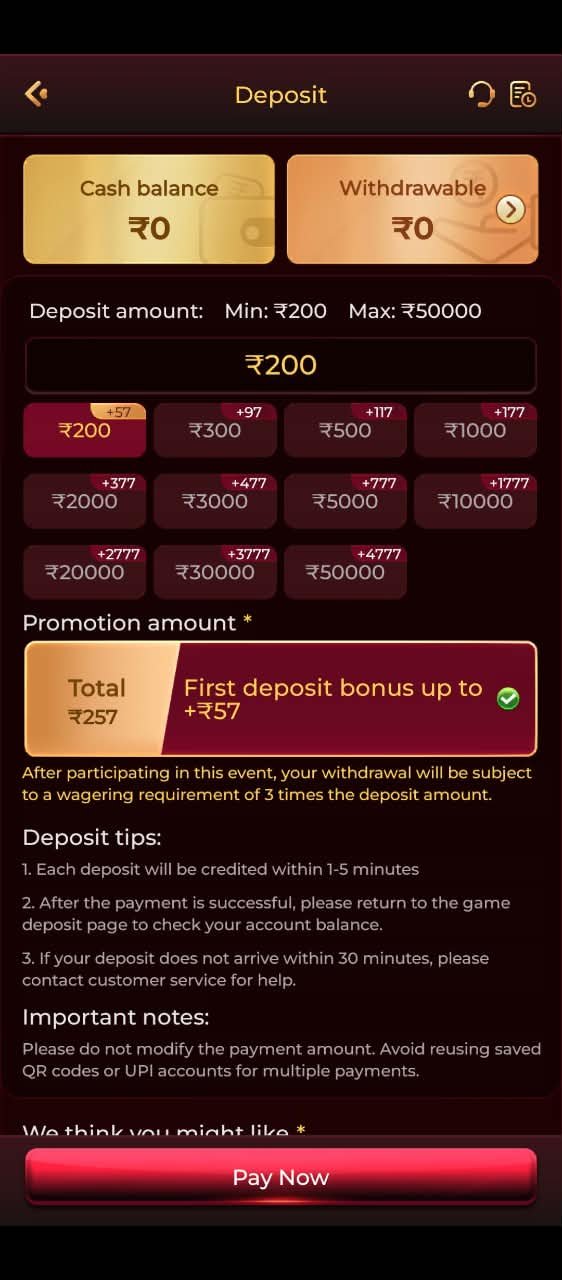

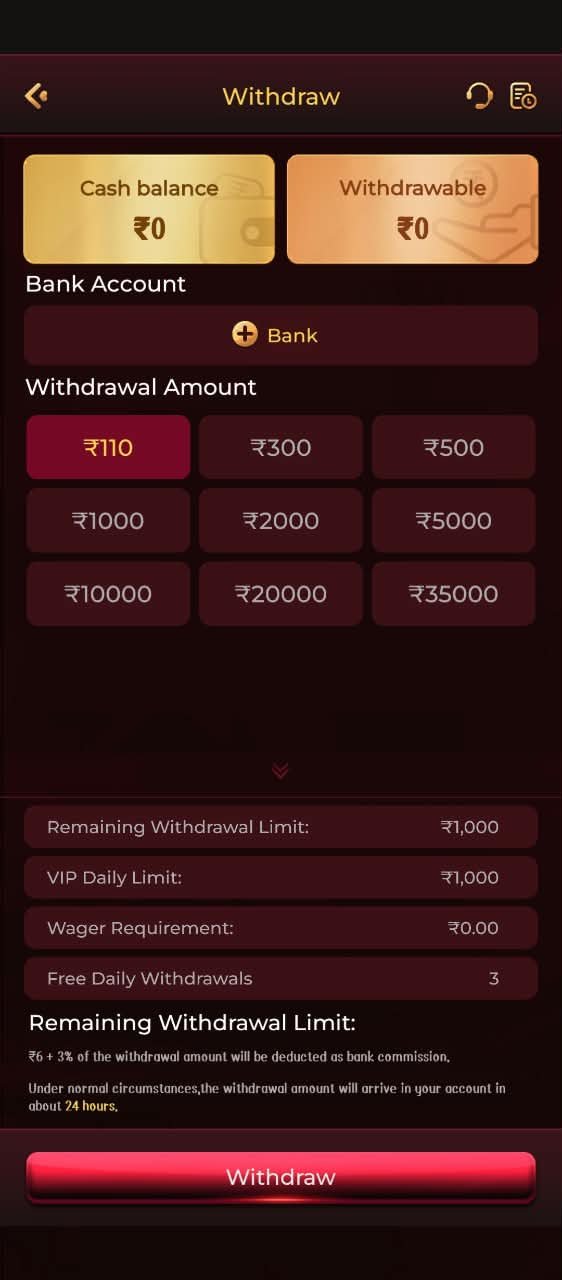
X89 Game APK Download
Before downloading, compare the information shown on the download page with the APK file you are actually receiving.
A practical download process is:
- Open the X89 Game download page.
- Check the displayed version and APK details.
- Download the Android APK file.
- Wait until the download finishes completely.
- Open the downloaded APK.
- Review Android’s installation permission request.
- Install the application if you trust the source.
- Open X89 Game after installation.
Avoid downloading modified or duplicate APK files simply because they use the X89 name.
How to Install X89 Game APK on Android
An APK installed outside Google Play may require Android to allow installation from that particular source.
After downloading the file, Android may display a message explaining that installation from the current source is not allowed. If you decide to continue, open the relevant Android setting, allow installation for that source, and return to the APK file.
Then:
Download → Open APK → Allow the required permission → Install → Open X89 Game
The exact menu names can differ between Android versions and phone manufacturers.
Check the X89 APK Before Installing
| Detail | Information |
|---|---|
| App Name | X89 Game |
| File Type | APK |
| Version 1 | 1.3.6V |
| File Size | 51 MB |
| Version 2 | 1.6.1 |
| File Size | 28 MB |
X89 Game APK Latest Version
- X89 Game APK Latest Version can be different across websites.
- One website lists version 1.3.6V.
- Another website lists version 1.6.1.
- A different listing claims version 2.4.
- These different numbers mean that one version cannot be confirmed as the official latest version from web listings alone.
- Before downloading, check the version shown on the current download page and APK file.
- Avoid copying a version number from another website without checking the actual file.
- For accurate information, use the version you can personally verify from the current X89 APK source.
X89 Game APK Download Problems
- Installation blocked: Android may block the APK if installation from that source is not allowed.
- Download incomplete: Delete the old file and download it again from a trusted source.
- Not enough storage: Free some space on your phone and try again.
- App crashes: Check if the APK supports your Android version.
- Login problem: Make sure the app is updated and your login details are correct.
- Modified APK warning: Be careful if a website asks you to install a modified APK to fix an error.
- Check the source: A different APK does not always mean it is newer, safer, or better.
X89 Game Login and Registration
- Existing users: Open the X89 Game app and use the Login option.
- New users: Select Register or Sign Up if you need to create an account.
- Registration details: Follow the fields shown in the current app, as they may change between versions.
- Login details: Enter your registered details carefully to avoid login errors.
- Account safety: Never share your password, OTP, or other account details with anyone.
- Keep information private: Avoid saving or sharing your login details on unknown websites.
X89 Game APK Safety
- Check the source: Make sure the APK comes from a source you can verify.
- Do not trust labels alone: Words like “Official,” “Verified,” or “100% Safe” do not prove that a file is safe.
- Check the version: Compare the APK version with the current download information.
- Review permissions: See what permissions the app requests before installing it.
- Avoid unknown files: Be careful with modified or duplicate APK files.
- Check platform terms: Read the current rules and terms before using the app.
- Protect your details: Keep your password, OTP, and other account information private.
- Use caution: If a download page makes strong claims about security, bonuses, or withdrawals, verify those claims before relying on them.
X89 Download: What We Can and Cannot Verify
- We can verify: The APK is intended for Android installation.
- We can verify: Different online listings show different X89 versions and file sizes.
- We can verify: Android may require permission to install an APK from an outside source.
- We cannot verify: One specific version as the official latest X89 release based only on conflicting online listings.
- We cannot verify: That every website using the X89 name provides the same or original APK file.
- We cannot verify: Claims such as “100% safe,” “official,” or “verified” unless there is reliable evidence to support them.
- Best approach: Check the actual APK source, version, file details, permissions, and Android compatibility before installation.
X89 Download Checklist
Check the X89 APK source
Check the APK version
Check the file size
Make sure the download is complete
Review the app permissions
Check Android compatibility
Avoid modified or unknown APK files
Keep your password and OTP private
Read the current platform rules
Use the platform responsibly if real-money features are involved
Frequently Asked Questions
How do I download X89 Game APK?
Find a current X89 APK source, check the version and file details, download the APK, and install it on a compatible Android phone.
What is the latest X89 Game APK version?
Online listings show different versions, including 1.3.6V, 1.6.1, and v2.4. Check the current APK source before choosing a version.
Can I install X89 Game on Android?
Yes, if the APK is compatible with your Android device and installation from that source is allowed.
Why won't my X89 APK install?
Common reasons include an incomplete download, low storage, an incompatible Android version, blocked installation, or a damaged APK file.
Should I download a modified X89 APK?
It is better to avoid modified APKs unless you can verify the source and file. Modified files may create extra security or account risks.
Final Thoughts
- Before downloading X89 Game APK, check the file and its source carefully.
- Online listings show different X89 versions, so do not rely only on a “Latest Version” label.
- Check the version, file size, source, permissions, and Android compatibility before installing.
- Avoid unknown or modified APK files.
- If the platform involves real-money gaming, understand the rules and financial risks before making deposits or withdrawals.
- 18+ users only where required.
- Play responsibly and use the platform within applicable local rules.